 by
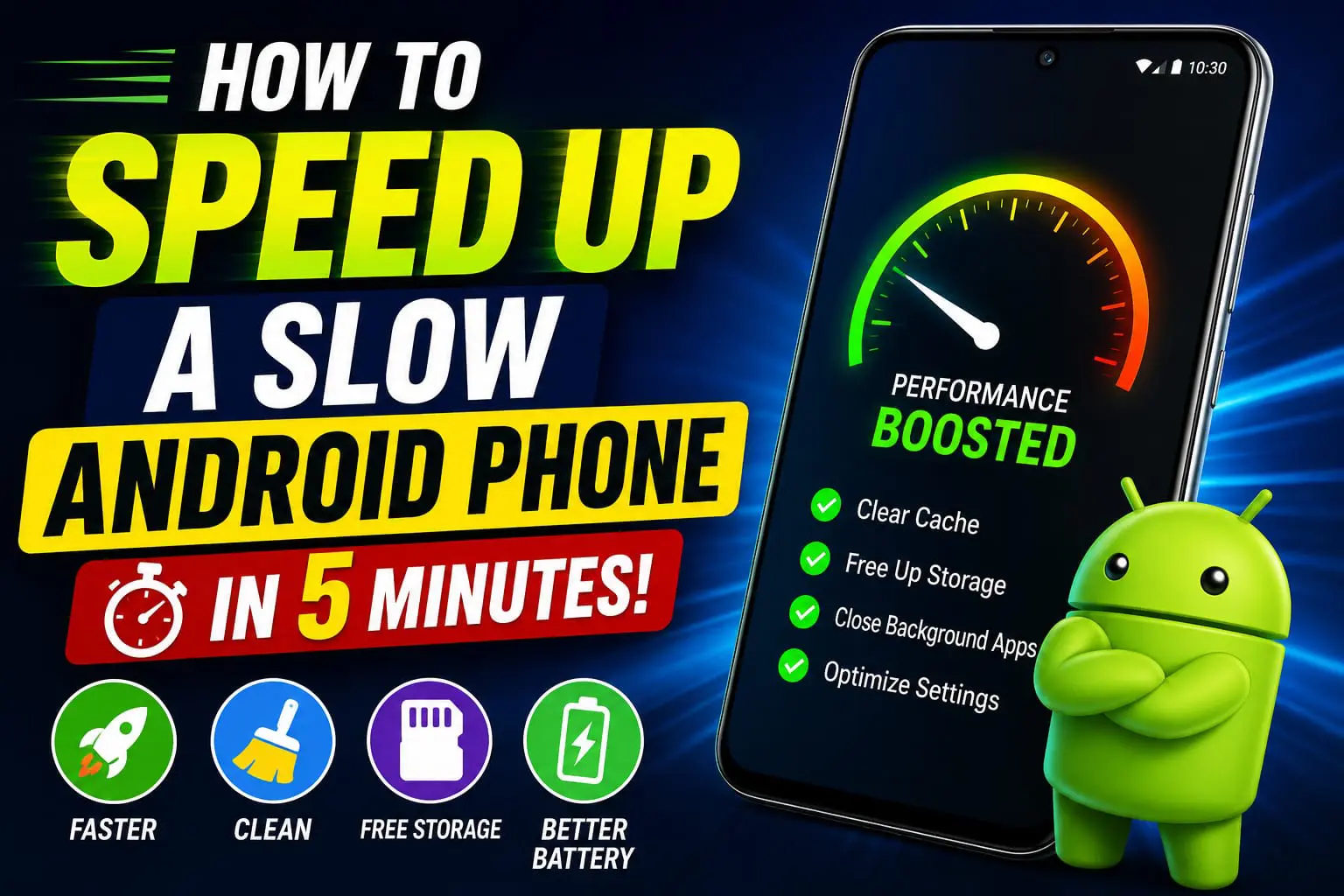
by Have your Android phone started becoming slow, hanging a lot or loading applications for a long time? This problem of lagging on Android phones is common these days. This usually happens over time as a result of filled storage space, apps running in the background and some other software issues. Fortunately, there is a way you do not need to spend money to get new mobile and that is by speeding up your Android device in less than 5 minutes with these easy to follow instructions.
Why Android Phones Become Slow
Several factors can affect your phone’s performance:
- Almost full storage
- Too many background apps
- Large cache files
- Outdated applications
- Old Android software
- Too many widgets and animations
1. Restart Your Phone
Your phone also wipes your short-term memory when you turn it off.
Simply hold the power button and tap Restart.
2. Remove Unused Apps
Certain apps remain on your device even if they’re unused – and keep operating in the background.
Go to:
Settings → Apps
Uninstall old unused applications.
3. Clear App Cache
A few hundred megabytes isn’t nothing, but that kind of number might come up in an app you use all day, such as Facebook, YouTube, Chrome or Instagram.
Open:
Settings → Apps → Select an App → Storage → Clear Cache
Clearing cache removes temporary files without deleting your personal data.
4. Free Up Storage Space
Try to leave about 20% of the storage in your internal storage for your phone to function.
Delete unnecessary:
- Downloaded files
- Duplicate photos
- Large videos
- Old APK files
5. Update Android and Apps
By regularly downloading the newest releases, you are making sure that the application has all security patches that are in place as well as making certain it contains the top possible performance.
Check for updates:
- Settings → Software Update
- Google Play Store → Manage Apps → Update All
6. Reduce Background Activity
Too many apps running in the background consume RAM and slow down your device.
Shut down apps you’re not currently using; turn off applications that are not needed to automatically launch when the system starts up.
7. Reduce Animation Speed
Allow Developer Option and alter these settings:
- Window Animation Scale → 0.5x
- Transition Animation Scale → 0.5x
- Animator Duration Scale → 0.5x
Your phone will feel noticeably faster.
Bonus Tips
- Reboot your phone periodically.
- Switch to Lite apps for demanding programs if you can.
- Keep your home screen clean.
- Stick to reliable sources for all app installs.
Final Thoughts
Even though it might seem like you need a new phone, it’s not always the case. There are plenty of fixes that you can use to boost a sluggish Android device and you can fix your issues with just a few minutes of cache cleaning, unnecessary apps removal, storage cleaning, and software updating.
Follow these simple maintenance tips regularly to keep your Android device running fast throughout 2026.