 by
by Video editing has changed dramatically over the last few years. You no longer need a powerful computer or years of editing experience to create polished videos. Apps like CapCut have made advanced editing accessible to beginners, content creators, influencers, and small businesses.
For users who want more than the standard editing tools, CapCut Pro adds a collection of premium features, creative resources, and additional storage options. But is Pro actually useful, and can you try it for free?
In this guide, we will take a closer look at CapCut Pro, its major features, free-trial availability, and what users should know before subscribing.
What Is CapCut Pro?
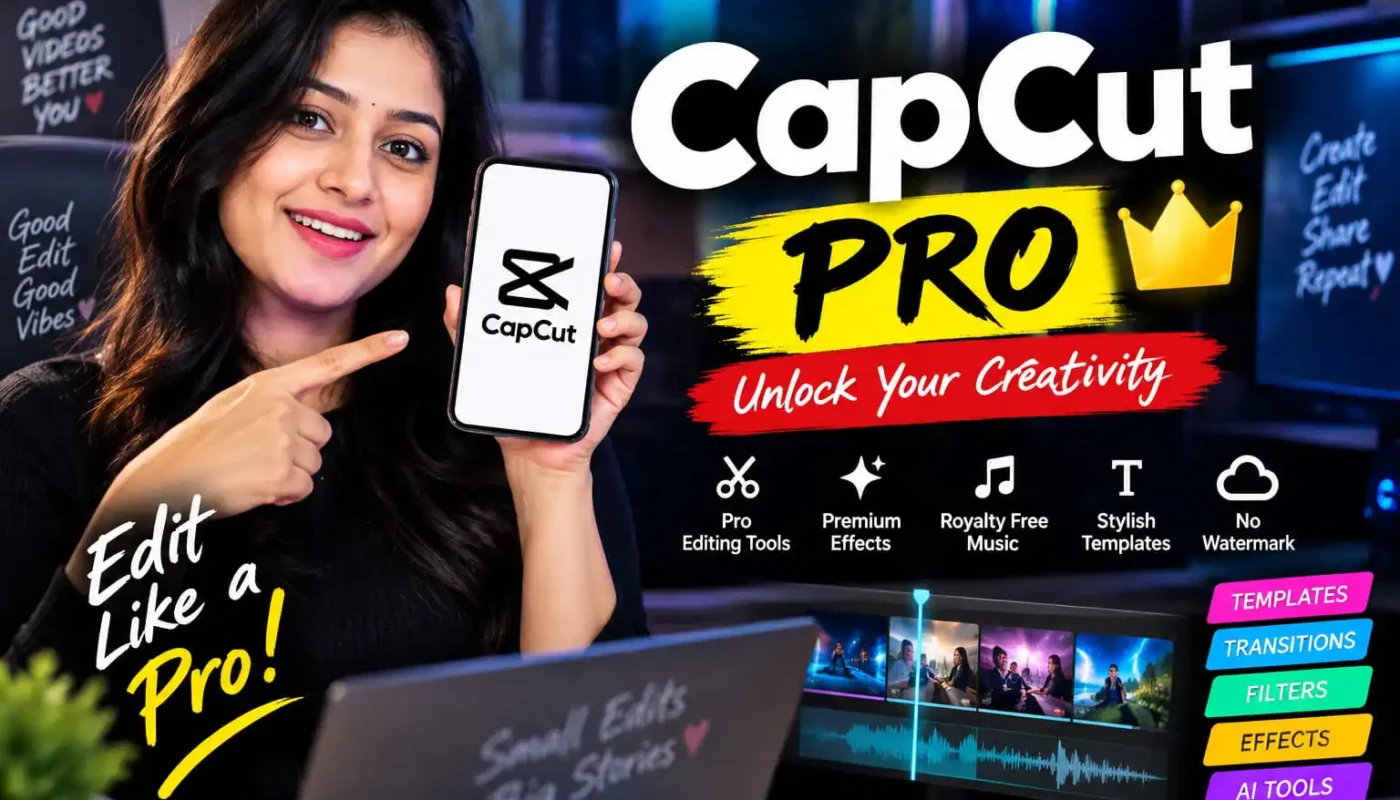
CapCut Pro is the premium subscription version of CapCut. While the standard version provides many useful editing tools, Pro is designed for users who need access to additional premium resources and advanced editing capabilities.
According to CapCut’s official information, Pro includes premium templates, text styles, video effects, body effects, filters, and additional creative tools. It also provides cloud storage for projects.
For someone who regularly creates Reels, Shorts, TikTok-style videos, YouTube content, advertisements, or social media posts, having these extra tools in one application can make the editing process considerably more convenient.
What Features Does CapCut Pro Offer?
One of the main reasons people consider CapCut Pro is the collection of premium editing resources.
Premium Templates
Templates can save a significant amount of editing time. Instead of creating every transition, animation, and timing adjustment manually, users can start with an existing template and customize it for their own content.
CapCut Pro provides access to premium templates and creative materials that are not necessarily available in the free version.
Advanced Effects and Filters
Professional-looking videos often depend on more than basic cuts. Effects, filters, transitions, and visual adjustments can completely change the mood of a video.
CapCut Pro provides additional effects and filters designed to give creators more flexibility when developing their own editing style.
Text and Caption Styles
Text is an important part of short-form content. Whether you are adding subtitles, headlines, promotional messages, or animated captions, having more text styles can make a video feel more polished.
Pro users get access to additional text templates and styles, giving creators more options when designing titles and captions.
AI-Powered Tools
CapCut has increasingly incorporated AI-powered tools into its editing ecosystem. Depending on the account, region, and current CapCut offering, users may find AI-based features for tasks such as generating content, enhancing videos, or speeding up parts of the editing workflow.
Some advanced AI features can use credits separately from the Pro subscription, so users should check the specific feature requirements before assuming everything is unlimited. CapCut explains that credits and Pro subscriptions are separate systems.
Cloud Storage
Another useful feature is cloud storage. CapCut’s official help information currently lists cloud storage as part of Pro, although the exact storage allowance can change as CapCut updates its plans.
Cloud storage can be particularly useful for creators who work across multiple devices or want their projects and assets available without relying entirely on local phone storage.
Is CapCut Pro Available for Free?
This is one of the most common questions about CapCut Pro.
The answer is sometimes.
CapCut currently offers a 7-day free trial for eligible users in supported regions. However, the trial is not automatically available to everyone. Eligibility can depend on the user’s region, account history, app version, and whether the account has previously subscribed to Pro.
CapCut says eligible users should see a free-trial option or badge when checking the Pro subscription page.
This means a social media post saying “everyone can get CapCut Pro free” can be misleading. A better approach is to tell users that a free trial may be available for eligible accounts.
How to Check for the Free Trial
The easiest way is to check directly inside the official CapCut application or website.
On mobile, open CapCut and go to your profile area. Look for the Pro subscription option and check whether a free-trial offer is displayed.
On the web, sign in to CapCut and open the Pro upgrade page. If your account is eligible, you may see an option to start a free trial.
CapCut currently states that the trial is intended for eligible users who have not previously subscribed to Pro, and availability varies by region.
Be Careful With “Free CapCut Pro” Offers
This is worth mentioning because many people search for modified applications or unofficial websites promising unlimited CapCut Pro access.
Downloading unofficial APK files or modified versions can create unnecessary security and privacy risks. It can also expose users to malware, unwanted advertisements, account problems, or other issues.
The safer approach is to use the official CapCut application and check whether a legitimate free-trial offer is available on your account.
Users should also never give their CapCut password, verification code, or other sensitive account information to someone promising to activate Pro for them.
How Much Does CapCut Pro Cost?
There isn’t necessarily one universal CapCut Pro price for every user.
CapCut states that pricing can vary depending on factors such as region, device, and available promotions. Users can see the current price by opening the Pro subscription section of CapCut on their particular device or account.
Monthly and yearly subscription options may be available, although the exact plans shown can vary.
Because prices and promotions can change, checking the official subscription page immediately before purchasing is the best way to see the current offer.
Who Should Consider CapCut Pro?
CapCut Pro can be useful for people who edit videos frequently rather than occasionally.
For example, it may be worth exploring if you regularly create:
– Instagram Reels
– YouTube Shorts
– YouTube videos
– Facebook videos
– Product advertisements
– Promotional videos
– Travel videos
– Educational content
– Social media content
For someone who only edits a video once in a while, the free version may already provide enough tools.
Final Thoughts
CapCut Pro is essentially an expanded version of the regular CapCut editing experience. Its premium templates, effects, text styles, advanced tools, and cloud-related features can give creators more flexibility when producing content.
The free trial is particularly useful for eligible users who want to test the premium features before paying. However, availability is not universal, and users should check their own CapCut account rather than relying on claims that everyone automatically receives Pro for free.
If you are a frequent video creator, the additional features may make your editing workflow easier. If you are a casual user, it is worth checking the free version first and upgrading only when you actually need the premium tools.
For the latest availability, subscription options, and trial eligibility, always check the official CapCut pages before making a purchase.