How to Download Voter ID Card Online
Carrying laminated voter cards to polling booths or government offices is no longer mandatory. The Election Commission of India (ECI) now provides citizens with an official electronic alternative known as the electronic Electoral Photo Identity Card (e-EPIC).
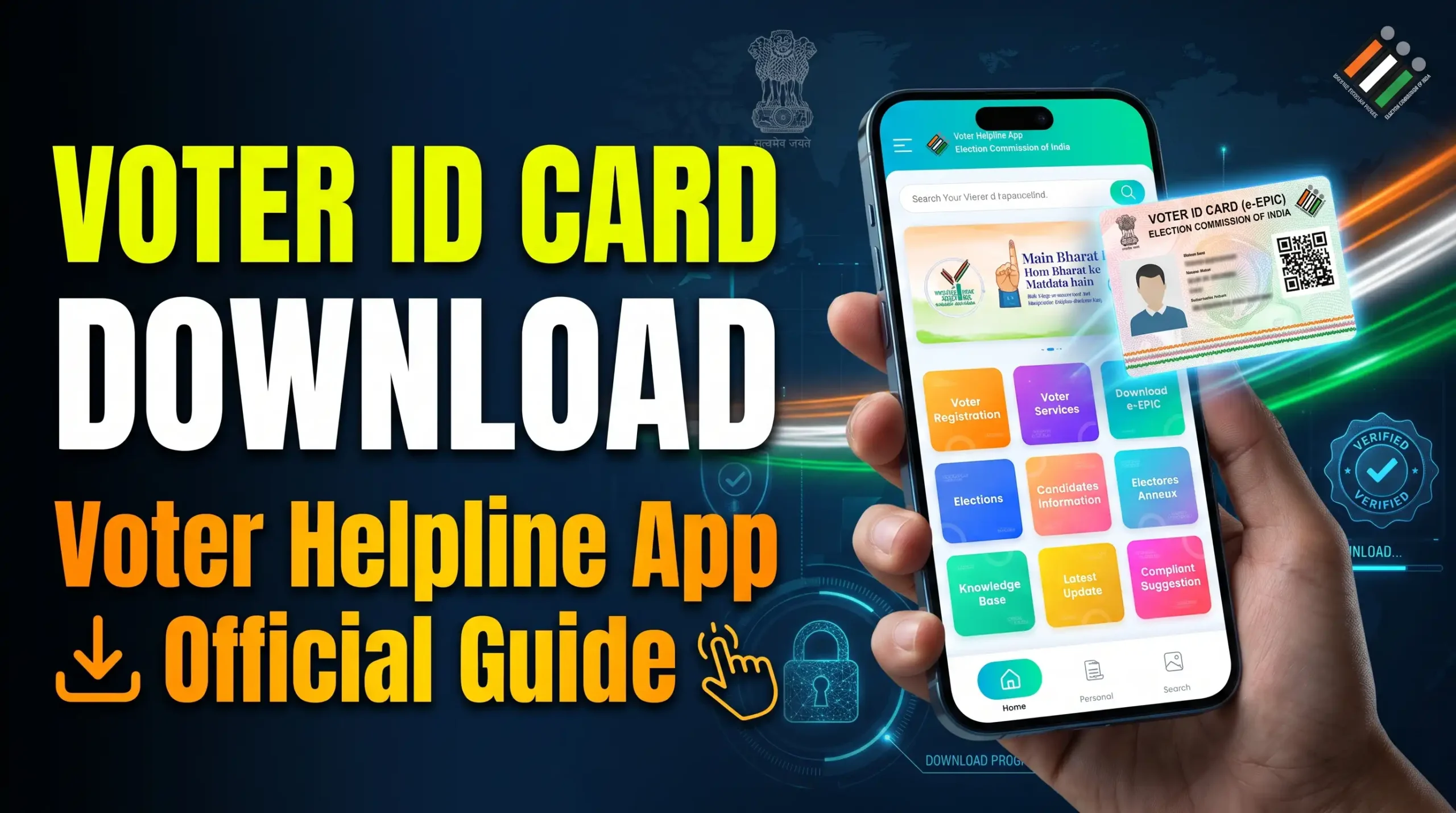
Using your smartphone, you can access, verify, and store your official digital identification directly in PDF format. This practical tutorial explains how to download voter ID card online using the official Voter Helpline App and web portal.
What Is an e-EPIC Digital Voter Card?
According to the official Election Commission of India guidelines, an e-EPIC is a portable, digitally signed document representing your voter registration. It holds equal legal validity to a physical plastic card for identity verification and voting purposes.
The electronic version includes a secure QR code containing serial numbers, electoral roll information, and demographic details for instant verification by electoral officers.
Prerequisites Before Downloading
Before exploring how to download voter ID card online, ensure you have the following credentials ready to avoid authentication delays:
- EPIC Number: The unique alphanumeric identification code printed on your voter card or registration acknowledgment slip.
- Registered Mobile Number: The active mobile number linked with your electoral roll record to receive one-time authentication passwords (OTP).
- Official Smartphone App: The verified “Voter Helpline App” installed from the Google Play Store or Apple App Store.
5 Simple Steps: How to Download Voter ID Card Online
Step 1: Install the Official Voter Helpline App
Open the Google Play Store on your Android handset, search for Voter Helpline App, and verify that the publisher is the Election Commission of India. Complete the installation and open the application.
Step 2: Create or Log in to Your Account
Tap on the user profile icon. Enter your active mobile phone number, receive the verification code, and configure a secure password to finalize your account registration.
Step 3: Access the “Download e-EPIC” Section
On the main home dashboard, locate and select the Download e-EPIC icon. You will be prompted to select whether you have an existing EPIC number or a Form Reference Number.
Step 4: Enter Your Details and State
Select “I have an EPIC Number.” Enter your alphanumeric voter ID code into the designated box, choose your corresponding Indian state from the drop-down list, and click on Fetch Details.
Step 5: Complete OTP Verification and Download PDF
Once your registered details appear on screen, click on Send OTP. Enter the 6-digit numeric passcode sent via SMS, verify the session, and tap Download e-EPIC to save the high-resolution PDF directly to your device storage.
Digital Voter Card vs. Physical Card Comparison
| Feature | Digital e-EPIC (App) | Physical PVC Card |
|---|---|---|
| Accessibility | Instant Mobile Download | Postal Delivery Required |
| Verification | Secure Digital QR Code | Visual Hologram / Printing |
| Risk of Loss | None (Stored in Cloud / Phone) | Subject to Misplacement |
Important Tips on How to Download Voter ID Card Online Without Errors
If you encounter technical issues while learning how to download voter ID card online, keep these essential troubleshooting recommendations in mind:
- “Mobile Number Not Registered” Error: If your mobile number is not mapped to your electoral entry, submit Form 8 through the app to update your mobile credentials.
- Server Timeout Errors: During major state or general election cycles, server traffic spikes. Attempt the download during non-peak morning or late evening hours.
- Storage Permissions: Ensure your phone has granted storage and file access permissions to allow the app to save the PDF document.
Frequently Asked Questions (FAQ)
Is an e-EPIC valid for casting a vote on polling day?
Yes. A printed copy or authorized digital display of your e-EPIC is completely valid at polling stations across India, provided your name is listed in the current electoral roll.
Is there an alternate portal for how to download voter ID card online on a computer?
Yes. You can visit the official web portal at voters.eci.gov.in, sign in with your mobile credentials, and follow the same verification steps to download the PDF.
Final Thoughts
Knowing how to download voter ID card online ensures you always have immediate access to valid civic identification without waiting for physical mail. Keep your mobile credentials updated, download your e-EPIC copy today, and save a secure backup in your digital locker or phone storage for seamless verification whenever needed.